Loading…

A raised terrace needs two numbers, not one: the slabs and the adjustable pedestals under them. Both follow the real slab grid, the joint width and the perimeter cuts — not the area alone. A calculator that truly lays out the terrace returns both counts plus the waste percentage — from your own terrace plan, free in the browser.
Calculate my terrace →Multiplying square metres by a rule of thumb gives two rough numbers, not an answer. A calculator earns its place only when it turns your real terrace into real quantities:
Most free calculators divide the area by the slab size and assume a flat number of pedestals per square metre. It is fast, but blind to the terrace: it never sees the real grid, so the slab count and especially the pedestal count drift from what the layout needs.
Adjustable pedestals sit at the slab corners, so their number follows the grid — one under each joint crossing, plus the supports along the edges. Large-format slabs add a centre support, which a per-square-metre rule cannot see.
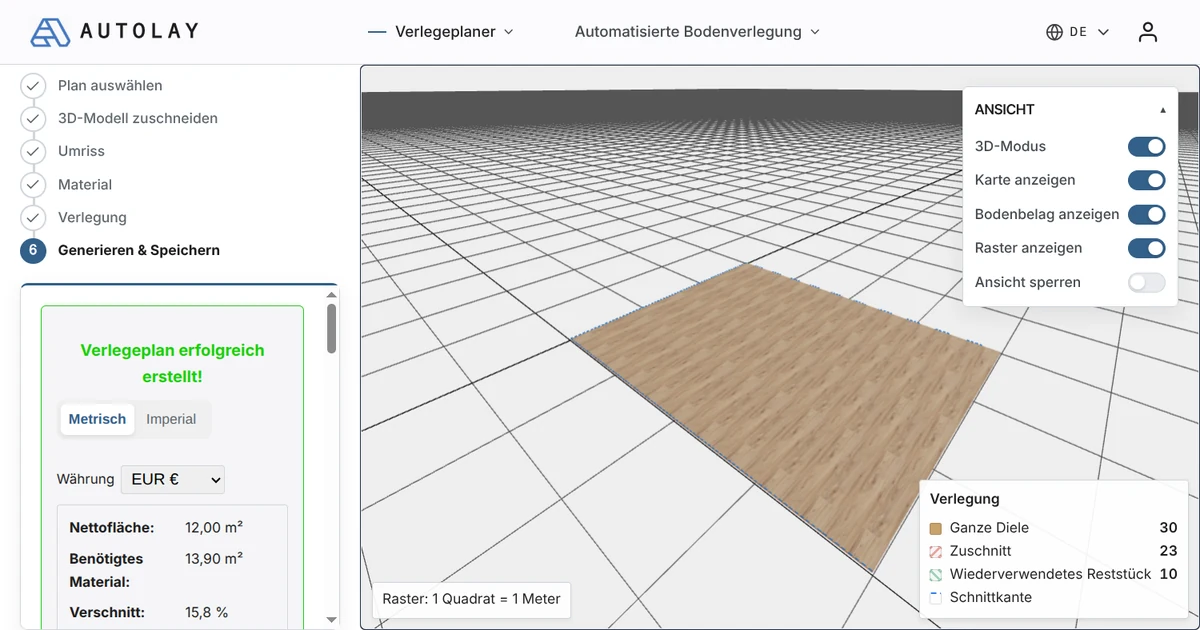
A planner that lays out each slab knows the grid, the edges and the perimeter cuts, so the slab count, the pedestal count and the waste percentage are real for your terrace instead of two rounded guesses.
Autolay's free planner takes a photo of your terrace plan, a BIM/IFC file or a 3D scan, lays out the slabs at your format and joint width, and computes the exact slab count, pedestal count, waste percentage and cut list before you order anything.