Grout calculator
Grout consumption depends on the tile size and the joint, not just the floor area — a small tile with a wide joint uses far more than a large tile with a narrow one. This calculator turns your area, tile dimensions and joint size into the pounds — and number of bags — of grout to order.
Calculate the quantityHow much grout do you need?
Enter the floor area, the tile's length and width, the joint width and its depth (the tile thickness). The result already includes a 10% mixing and application loss.
Default value – replace it with the manufacturer’s figure.
Optional – shows the material cost for the rounded-up amount.
You need
Enter the area, tile size and joint dimensions to see the quantity.
The result updates as you type – no button to press.
Quantity = area × (L+W)/(L×W) × joint width × joint depth × density, +10% loss.
The joint depth defaults to the tile thickness; a deeper bed of adhesive under the tile does not add to the grout figure, only the visible joint does.
Measuring the joint
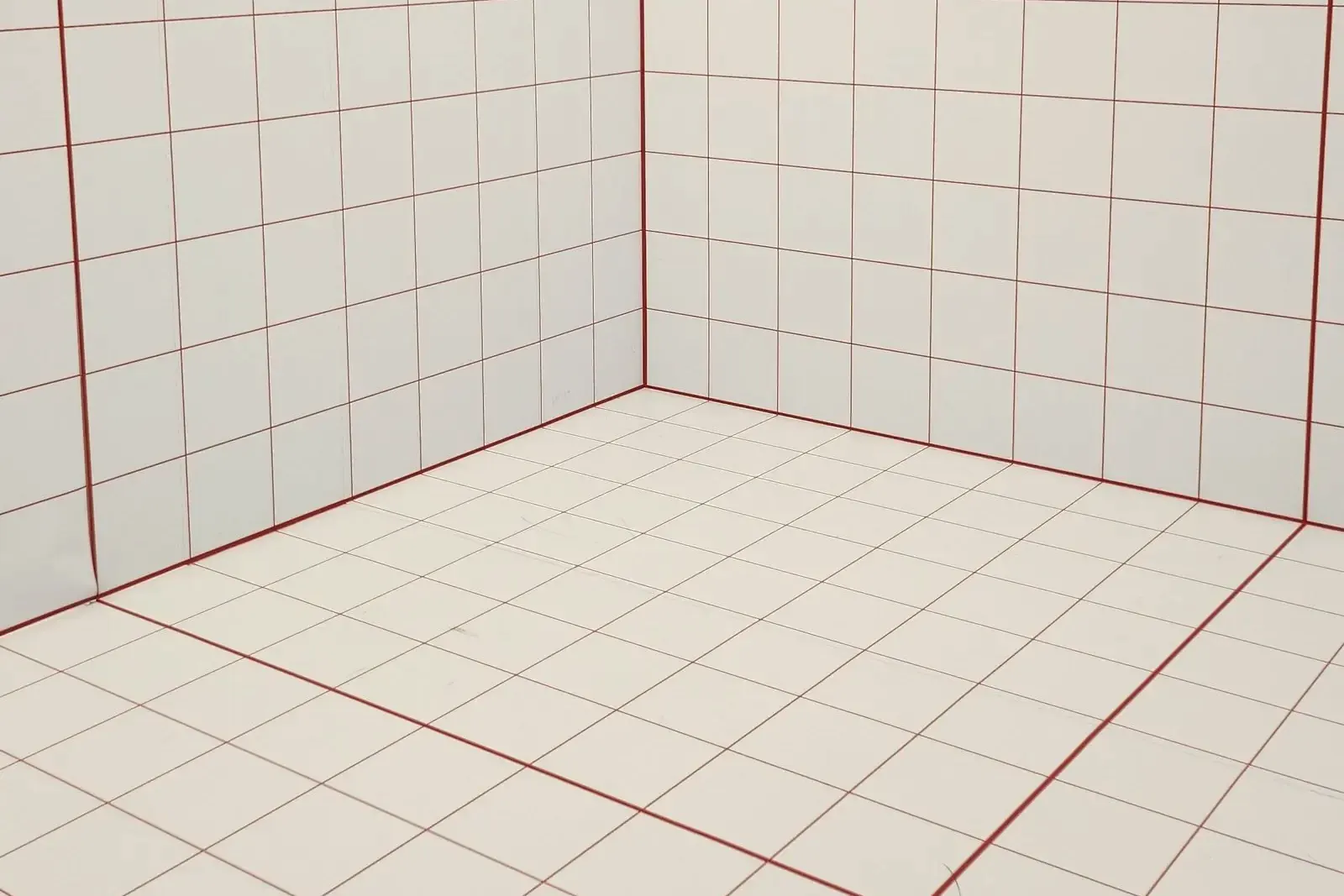
- Joint width is set by the tile spacers you use — commonly 1/16 to 1/8 in for rectified porcelain, 1/8 to 3/16 in for standard ceramic, and wider for rustic or handmade tiles.
- Joint depth equals the tile thickness, because the grout fills the gap from the surface down to the adhesive bed — a 3/8 in tile gives a 3/8 in deep joint.
- Measure the actual tile you are laying, not the box label: cut length and width to the nearest 1/32 in, since the formula is sensitive to tile size.
- Grout density varies by product (roughly 12.5 to 15 lb per gallon); use the figure on your bag's data sheet if it differs from the calculator's default.
Consumption by tile and joint size
Approximate grout consumption per 100 sq ft for a few common combinations, at 13.4 lb per gallon density and a 3/8 in joint depth:
| Tile size / joint width | Approximate consumption |
|---|---|
| 12×12 in, 1/8 in joint | ≈ 7.2 lb per 100 sq ft |
| 24×24 in, 1/8 in joint | ≈ 3.6 lb per 100 sq ft |
| 8×8 in, 3/16 in joint | ≈ 16 lb per 100 sq ft |
What this calculator does — and does not
It does
Work out the pounds and bags of grout for the visible joints, from your area, tile dimensions, joint width and depth.
It does not
Plan the tile layout or work out the adhesive underneath — Autolay's planner does that from your floor plan. The planner also estimates the grout for the whole plan from the chosen product's coverage per bag; this calculator refines that figure by tile size, joint width and joint depth.
From the calculator to clean joints
Worked example with the calculator's defaults: a 20 m² (215 sq ft) bathroom floor, 300 × 300 mm (12 × 12 in) tiles, 3 mm (1/8 in) joints, 8 mm (5/16 in) deep. 20 × (300 + 300) / (300 × 300) × 3 × 8 = 3.2 liters of joint volume; × 1.6 kg/l = 5.1 kg; + 10 % loss = 5.6 kg, so 2 bags of 5 kg. A typical manufacturer data sheet works with about 1.5 kg/l and no loss and lands at 4.8 kg, one bag. Buy the second bag anyway: it covers the loss, a joint that turns out deeper, and a later repair in the same color batch.
Measure the joint, not the box
Width comes from the spacers (1 to 3 mm for rectified porcelain, 3 to 5 mm for standard ceramic, 8 to 10 mm for split tile and terracotta). Depth is the tile thickness minus the adhesive that rises into the joint: rake the joints out evenly to tile depth right after setting, as manufacturer data sheets ask, leaving at least two thirds of the tile depth free for grout. With 5 mm joints instead of 3 mm, the example above needs 9.4 kg, still 2 bags of 5 kg.
Choose joint width and grout
Cement grout of class CG2 WA (EN 13888: improved, low water absorption, high abrasion resistance) covers living rooms, kitchens and bathrooms. Fine grout suits joints up to about 5 to 6 mm, coarse grout wider joints; current manufacturer data sheets rate one product for 1 to 10 mm and another for 2 to 20 mm. In the United States, unsanded grout is limited to joints of 1/8 in or less. Epoxy grout (class RG) is for commercial kitchens, pools and joints that must resist acids; it is sold in buckets by kit weight and needs its own data sheet figure.
Wait for the adhesive
Grout only on set adhesive. Current grout data sheets give 24 hours on floors laid with normal adhesive, 3 to 4 hours with fast-setting adhesive, 4 to 8 hours on walls. A typical flexible adhesive is ready for grouting after about 8 hours. Remove spacers, vacuum the joints and switch off underfloor heating during grouting and for at least 24 hours after.
Mix small batches
Pour the water into a clean bucket first, then the powder: a typical fine grout takes about 1.15 liters per 5 kg bucket (0.95 to 1.35 l depending on color) and 3.45 liters per 15 kg sack. Mix with a slow paddle until free of lumps, let it ripen about 3 minutes, stir again. Mix only what you can work within the working time: about 40 minutes for one product, 20 to 25 minutes for another.
Work the grout in
Press the grout into the joints with a rubber float held at about 45 degrees, moving diagonally across the joints so the float edge does not dig them out. Fill the joints completely, then pull the excess off diagonally with the float on edge. Leave the joints at walls, corners, door thresholds and around the bath open for silicone: they are movement joints.

Photo: public domain, via Wikimedia Commons Wash off at the right moment
Wait until the grout has firmed up (finger test: it no longer sticks); data sheets give 15 to 30 minutes. Wash diagonally with a barely damp hydro sponge or sponge board, rinsing it often. Once dry, take off the haze with a slightly damp sponge or a dry cloth. Light foot traffic after about 2 to 3 hours depending on the product, full use after 24 hours.
Buy from one batch
Grout color varies slightly from one production batch to the next. Buy all bags at once and check the batch number printed on each; keep one partly used bag for repairs. Store sacks dry: one manufacturer gives 12 months for 23 kg sacks, another at least 6 months for sacks and 12 months for buckets.
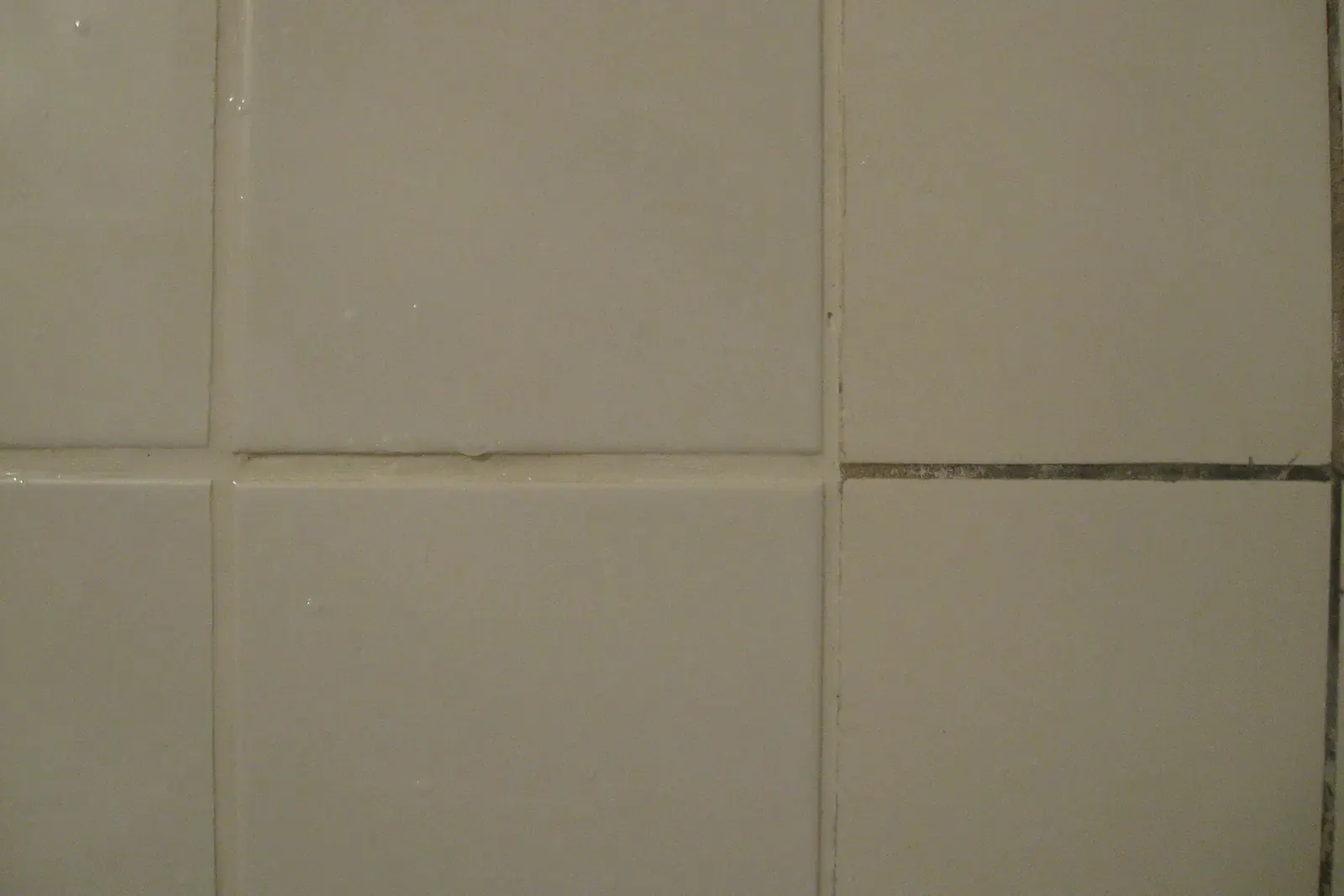
Photo: Juan de Vojníkov, CC BY-SA 3.0, via Wikimedia Commons
Calculator against the manufacturer's table
| Tile, joint width × depth | Manufacturer data sheet | This calculator | One 5 kg bag covers |
|---|---|---|---|
| 300 × 300 mm, 5 × 8 mm | about 0.40 kg/m² | 0.47 kg/m² | about 10.6 m² |
| 200 × 200 mm, 5 × 8 mm | about 0.60 kg/m² | 0.70 kg/m² | about 7.1 m² |
| Mosaic 50 × 50 mm, 2 × 6 mm | about 0.70 kg/m² | 0.84 kg/m² | about 5.9 m² |
| Split tile 240 × 115 mm, 8 × 10 mm | about 1.50 kg/m² | 1.81 kg/m² | about 2.8 m² |
| 600 × 600 mm, 3 × 8 mm | not listed | 0.14 kg/m² | about 35 m² |
Tools and materials
| Item | Quantity |
|---|---|
| Grout, one color batch | calculator result, rounded up to whole bags (2, 5, 15, 23 or 25 kg; 10 or 25 lb in the United States) |
| Rubber grout float | 1 per worker |
| Hydro sponge or sponge board, plus a second bucket of clean water | 1 set |
| Bucket and slow paddle mixer on a drill | 1 |
| Joint scraper or raking tool for adhesive in the joints | 1 |
| Nitrile gloves; cement grout is alkaline | 1 pair per worker |
| Sanitary silicone in a matching color for corners and wall joints | 1 cartridge (310 ml) per 8 to 12 m of joint |
Common mistakes
Too much water in the mix
How to spot it: Pale, powdery joints that scratch out with a key; cracks along the tile edge
Fix: Keep to the water amount on the bag. Rake out weak joints at least two thirds of the tile depth and regrout.
Washing off too early or too wet
How to spot it: Joints sit hollow below the tile edge, grout washed out of the joints, uneven color
Fix: Wait for the finger test, wring the sponge out well, work diagonally. Fill hollow joints with fresh grout from the same batch.
Grouting the movement joints
How to spot it: Hairline cracks along walls, in corners and at the bath edge after the first heating season
Fix: Scrape grout out of wall and corner joints and fill them with silicone.
Mixing a whole sack at once
How to spot it: The grout stiffens in the bucket before the floor is done
Fix: Mix only what you work within the 20 to 40 minute window; never add water to stiffening grout.
Bags from two batches
How to spot it: One part of the floor has visibly lighter joints
Fix: Check batch numbers before you open the first bag; buy everything at once.
When to call a professional
Grouting is the most forgiving step of a tiling job, and a careful hobby worker gets a clean result on a normal floor. Call a tiler where a mistake costs a floor, not a weekend:
- Showers, wet rooms and balconies, where the waterproofing under the tiles must be finished and tested first
- Epoxy grout: short working time, hard to clean off, mistakes stay visible
- Polished natural stone and unglazed tiles that can stain from colored grout
- Large areas with very narrow joints of 1 to 2 mm on rectified porcelain
- Old joints with mould or cracks across many tiles, which point to a moving subfloor rather than a grout problem
Frequently asked questions about grout
How much grout do I need per 100 sq ft?
It depends heavily on the tile size and joint width: a 12×12 in tile with a 1/8 in joint uses roughly 7.2 lb per 100 sq ft, while a large 24×24 in tile with the same joint uses about half that, around 3.6 lb per 100 sq ft. Smaller tiles have proportionally more joint length per 100 sq ft.
What is the exact formula the calculator uses?
Pounds = area × (tile length + tile width) / (length × width) × joint width × joint depth × grout density × 0.623, with the area in square feet, every tile and joint dimension in inches and the density in pounds per gallon; the 0.623 turns square feet times inches into gallons. A 10 % loss is then added for mixing and application.
Why does joint depth matter as much as joint width?
The joint is a channel, not a flat patch: its volume is width × depth × length. Depth normally equals the tile thickness, so a thicker tile with the same joint width uses proportionally more grout, just like a wider joint would.
How many bags is that, and how does it round?
The calculator divides the total pounds by your bag size and always rounds up to a whole bag, because you cannot buy part of a bag. With a 10 lb bag and a small bathroom this is often just 1 bag.
Is the calculator free and does it run in the browser?
Yes. It runs entirely in your browser, free and without signing up, and nothing is sent to a server. Enter the area, tile dimensions, joint size and bag size to see the pounds and number of bags.
Planning the tile layout
Before you grout, the free Autolay planner works out the tile count, cut pieces and waste from a photo of your floor plan, an IFC building model or a 3D scan.
Start planning