

TilePro Calculator is free, fast to a cut list, and has more patterns than anything else we audited. Here is where it is ahead, where it stops, and what AUTOLAY does instead.
Open the planner with a sample plan →Ten built-in patterns plus a custom builder — the widest pattern range of the four tools in the audit, ours included. Rectangles, hexagons and triangles, staggering, and free rotation between −90° and +90°. The results end in a printable per-piece cut list and a PDF download, and on that cut list it scores above us: ours is still a partial.
It is free and says so plainly on the page, which is more than our own pricing does today — another checkpoint where it beats us. There is a size guide with standard tile sizes, custom and L-shaped rooms, an obstacle tool for recesses, and a cost estimator that gives you a total without an account.
Twelve checkpoints from the same audit, scored by hand in both tools. TilePro Calculator wins two of them and ties three more.
| Checkpoint | TilePro Calculator | AUTOLAY |
|---|---|---|
| Undo and redo | partial | partial |
| Trace an image or PDF underlay | none | full |
| Import a floor-plan file (PDF, IFC/BIM, 3D scan) | none | full |
| Product presets and catalogue | partial | full |
| Set the starter piece length | none | none |
| Set the minimum piece length | none | full |
| 3D view | none | partial |
| Offcut reuse shown in the plan | none | full |
| Cost total | full | full |
| Per-piece cut list | full | partial |
| CSV or data export | partial | full |
| Pricing stated plainly | full | partial |
| Seconds from landing page to first result | 34 | 15 |
| Clicks and entries to first result | 31 | 12 |
| Laying patterns offered | 10 | 7 |
| Interface languages | 1 | 7 |
full = present and best in class · partial = present but limited · none = not found in the running app.
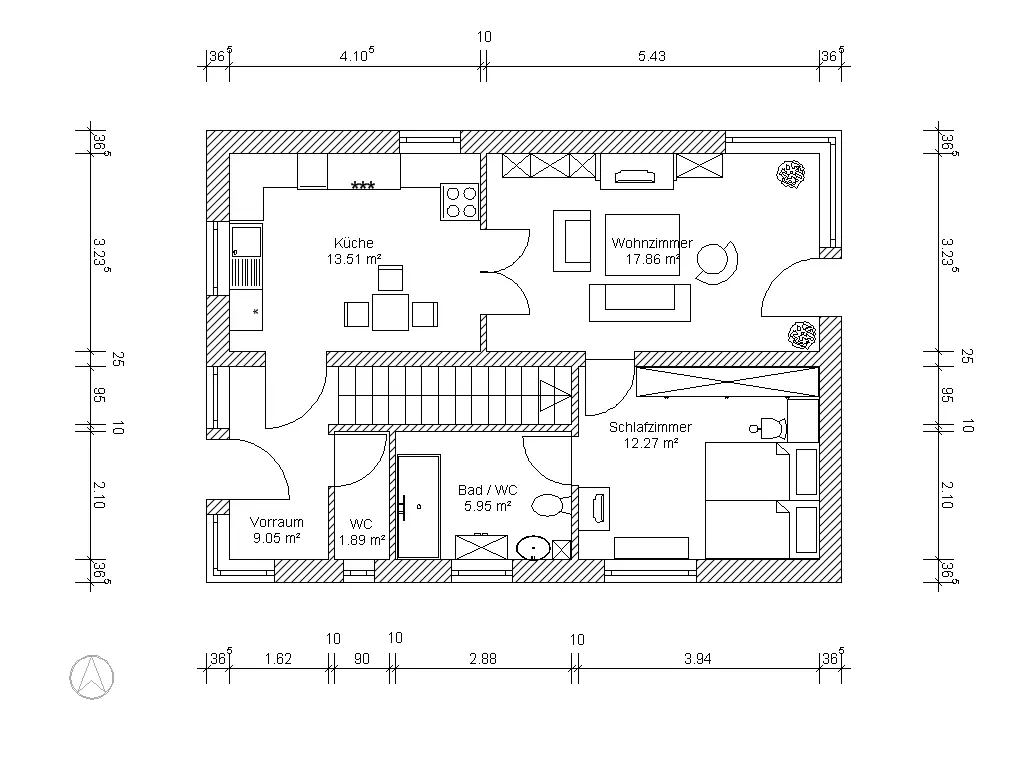
The cost total is a tie — both tools give you one. The real gap is the plan. TilePro Calculator has no file import of any kind and no image or PDF underlay to trace, so every room is retyped from the tape measure, and it took 31 entries to reach the first result in our run. AUTOLAY reads a floor-plan image, a PDF, an IFC/BIM model or a 3D scan and pulls the outline out of the file.
The second gap is waste. TilePro Calculator shows no offcut reuse and has no minimum piece length, so the plan cannot tell you which cut piece starts the next row. AUTOLAY colours the reused offcuts into the plan and lets you set the shortest piece you are willing to lay. It also runs in seven interface languages; TilePro Calculator runs in one.
Stay with TilePro Calculator if you want the broadest choice of tile patterns for free, work in English, and mostly need a printable cut list at the end. Its cut list is more detailed than ours and it costs nothing.
Switch if the room arrives as a plan file, if offcut reuse and a minimum piece length are what decide your material order, or if you need the tool in German, French, Spanish, Portuguese, Dutch or Italian.
TilePro Calculator belongs to its makers and is named here for comparison only. The scores are ours, from a hands-on run, and a product can change any day.
The planner opens with a sample floor plan already loaded — swap in your own PDF, IFC model or scan.
Open the planner with a sample plan →